Introduction to OpenAI
Want to build a chat app or AI assistant on Magic Patterns? You can use our OpenAI integration to create fully functional AI apps that leverage the latest models from OpenAI, the same company that build ChatGPT.
Step by Step Tutorial
Set up billing
This is a required step: You need to add a payment method and set up billing on your OpenAI account before you can use the API.Without billing configured, your API key will not work and API calls will fail.You can set up billing here.
Create a new OpenAI API Key
Magic Patterns uses the OpenAI API to communicate with OpenAI’s services.
Your API key is sensitive and should be stored securely—never share it
directly in prompts to Magic Patterns.You can create a new API key here.
(Optional) Set a usage limit
We highly recommend setting a usage limit on your OpenAI account. This
protects you from unexpected charges in case your API key is accidentally
exposed or compromised.
Enable the OpenAI Integration in Magic Patterns
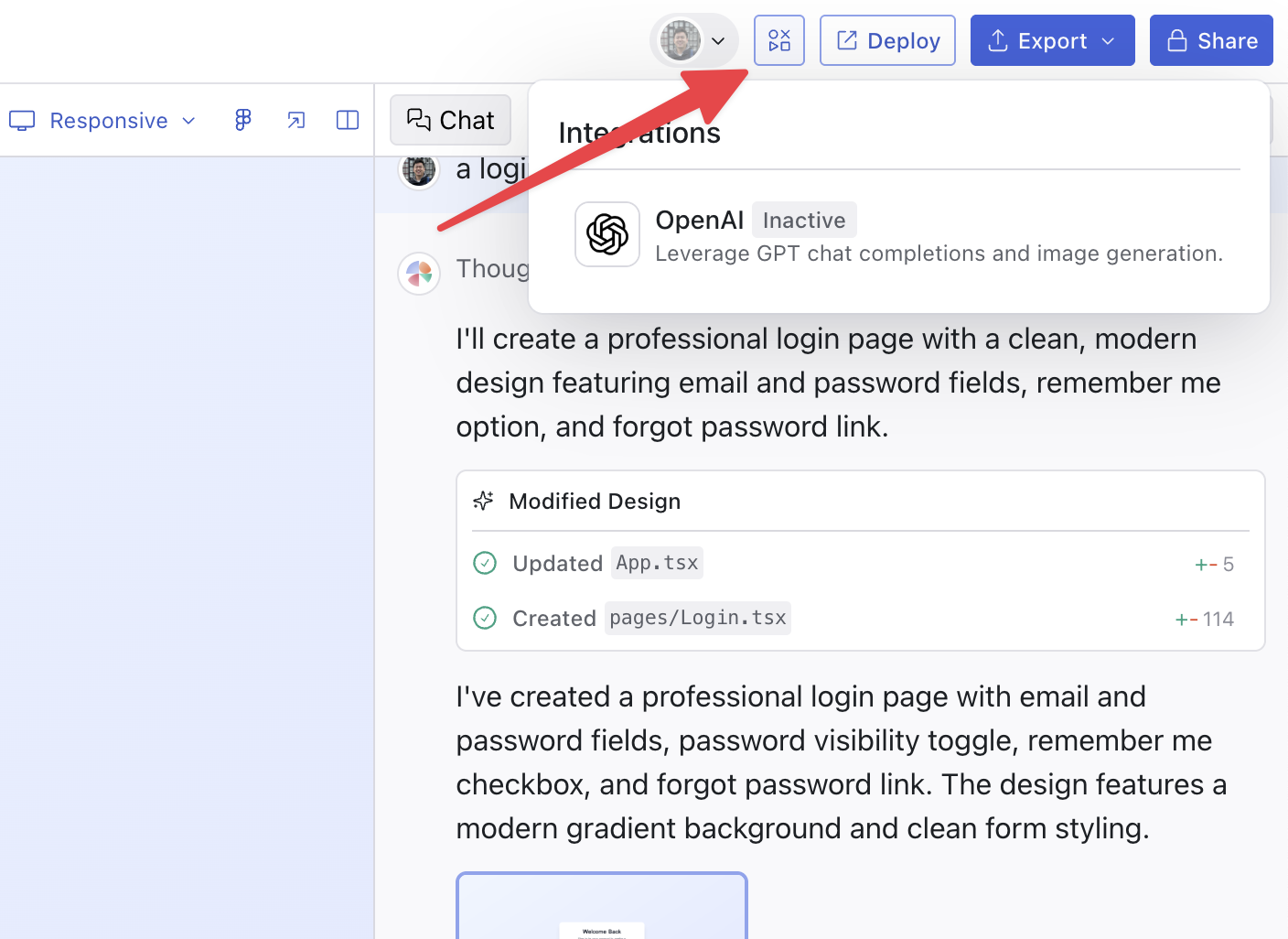
Once you have your API key, enable the integration in Magic Patterns via the “Integrations” panel.