

Setting Up Feedback Collection
Share your design
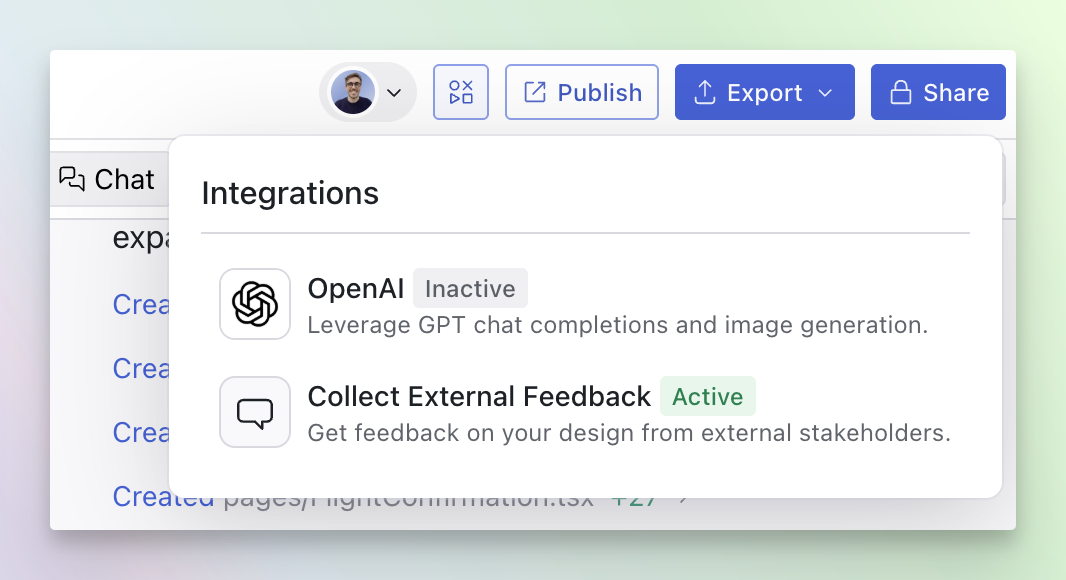
Click the Integrations button in top right corner of your design, next to
your profile picture.
Enable external feedback collection
In the integrations panel, click on “Collect Feedback,” toggle it on, and
configure your custom questions.
Share the Publish link
Send the preview link to your external stakeholders. They’ll see your
questions when viewing the design.